

Every marketing article you read tells you the same thing: your business needs video. And they’re right. Video drives more engagement, more conversions, and more trust than any other content format.
But most of those articles are written for companies with in-house creative teams and five-figure content budgets. If you’re a small business owner wearing six hats, managing a lean team, and trying to figure out where video fits into everything else you’re already doing—that advice doesn’t land.
This guide is different. It’s built specifically for businesses with 10 to 100 employees, limited marketing bandwidth, and a real need to start generating results from video without overcomplicating the process. We’ll cover which videos to make first, where to use them, how to think about ROI, and what a realistic production timeline looks like.
No jargon. No “it depends.” Just a clear path from “we should do video” to “we have three months of content ready to go.”
The Five Videos Every Small Business Should Make (In This Order)
Not all video is created equal. If you’re starting from zero, the order in which you produce your first videos matters more than most people realize. Each one builds on the last, and together they cover every stage of how a prospect discovers you, evaluates you, and decides to buy.
1. Company Overview Video
What it is: A 60–90 second video that introduces your business—who you are, what you do, and why someone should work with you.
Why it’s first: This is the single hardest-working asset in your marketing toolkit. It lives on your homepage, your LinkedIn, your Google Business Profile, your email signature, and your sales proposals. Every prospect touchpoint gets better when this video exists.
Where it goes: Homepage hero section, About page, LinkedIn company page, Google Business Profile, sales deck, and email signature link.
2. Customer Testimonial Videos
What it is: Short videos (60–90 seconds each) featuring real customers talking about their experience with your business.
Why it’s second: Once a prospect knows who you are (overview video), the next question is “Can I trust them?” Testimonials answer that question with third-party validation that no amount of self-promotion can replicate.
Where it goes: Portfolio or testimonials page, case study blog posts, social media clips, sales follow-up emails, and embedded in proposals.
3. Social Media Clips
What it is: Short-form vertical clips (15–60 seconds) pulled from your overview and testimonial footage, optimized for Instagram Reels, Facebook, LinkedIn, and TikTok.
Why it’s third: Social media runs on video. Every major platform’s algorithm favors video content over static images. But creating social clips from scratch for every post is unsustainable. The smarter play is to extract a dozen or more clips from footage you’ve already shot. One shoot day feeds 90 days of social posts.
Where it goes: Instagram Reels, Facebook feed and Stories, LinkedIn native video, TikTok (if relevant to your audience).
4. Explainer or “How It Works” Video
What it is: A 90–120 second video that walks a prospect through your process, service, or product—step by step.
Why it’s fourth: By this point, you’ve introduced yourself (overview), built trust (testimonials), and maintained visibility (social clips). The explainer video converts interest into action by showing exactly what happens when someone becomes a customer. It removes the last layer of uncertainty.
Where it goes: How It Works page, services or packages page, sales emails, paid ad landing pages, and retargeting campaigns.
5. FAQ or Objection-Handling Video
What it is: Short clips (30–60 seconds each) where you directly address the most common questions or hesitations your prospects have.
Why it’s fifth: These are the closers. When someone is on the fence—thinking about pricing, timeline, what’s included—a direct, confident answer on video is more persuasive than a paragraph on your FAQ page.
Where it goes: FAQ page, product or pricing pages, bottom-of-funnel email sequences, and sales team follow-ups.
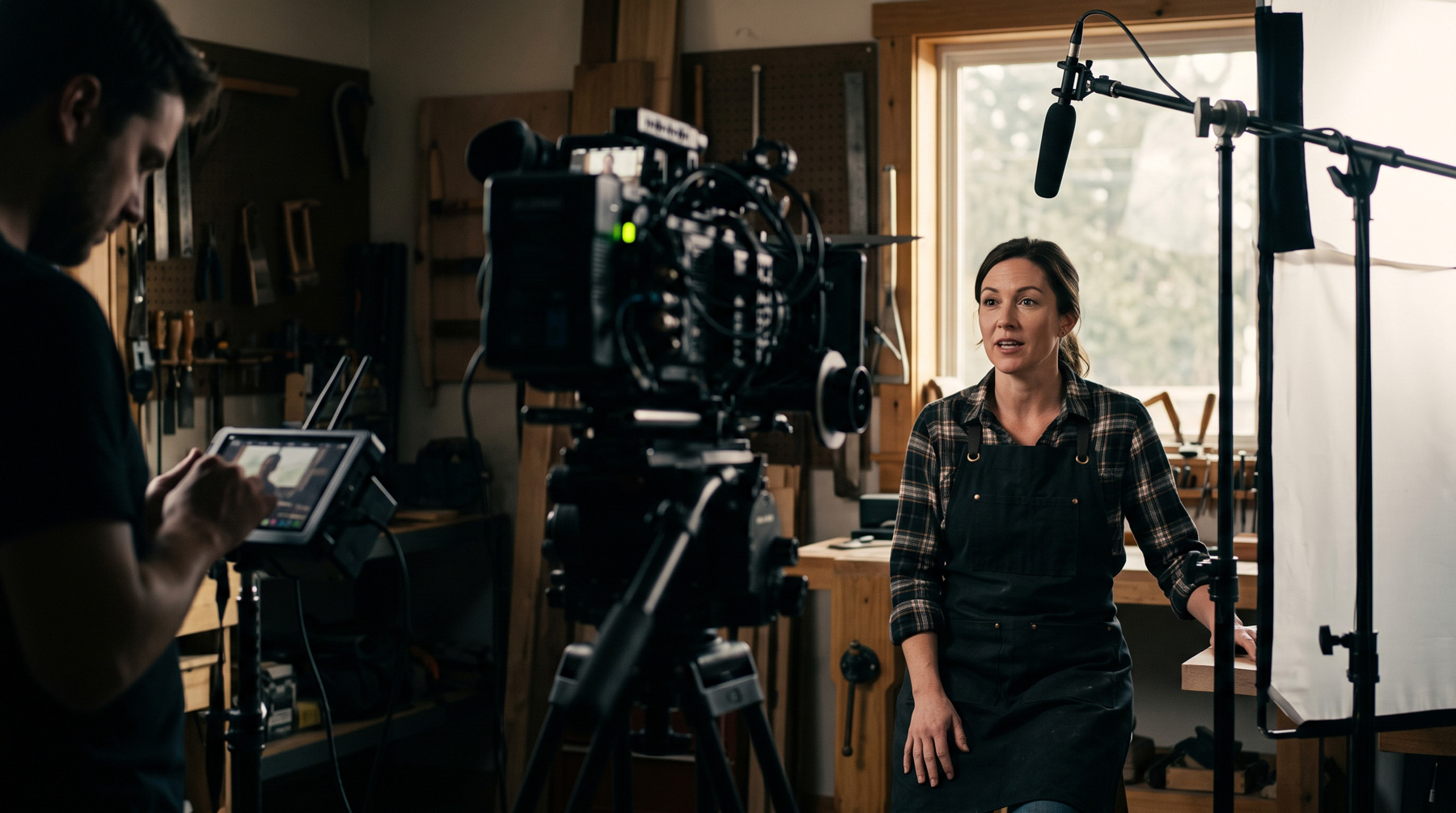
Here’s the important part: you don’t need five separate shoot days to get all of this. A well-planned single shoot day captures the raw footage for all five video types. The production partner handles scripting, shot planning, and post-production—you just show up and be yourself on camera.
Where to Put Your Videos (The Distribution Playbook)
Creating great video is only half the equation. The other half is making sure it shows up everywhere your prospects are looking. Most small businesses make one video, put it on their homepage, and call it done. That’s leaving 80% of the value on the table.
Here’s the full distribution map for your video content:
Your website. The overview video belongs in your homepage hero section. Testimonials go on your portfolio or testimonials page. The explainer sits on your How It Works or services page. FAQ clips anchor your pricing or FAQ section. Every page on your site should have a video touchpoint if possible—pages with video consistently hold visitors longer and convert at higher rates.
Social media. Short-form clips go on Instagram Reels, Facebook, and LinkedIn. Post them natively (upload directly to each platform rather than sharing a YouTube link) for maximum reach. A 90-day content calendar paired with your clips turns one shoot into a quarter’s worth of consistent posting.
Google Business Profile. Most businesses ignore this one. Your Google Business Profile supports video, and adding your overview video there gives prospects a reason to engage before they even click through to your website. It also sends positive signals for local search visibility.
Email. Embed a video thumbnail in your email signature. Include testimonial clips in follow-up sequences. Use the explainer video in outbound prospecting emails. Video in email consistently drives higher click-through rates because it offers something more engaging than another wall of text.
Sales and proposals. Your sales team should embed your overview video and relevant testimonials directly into proposals and pitch decks. When a prospect reviews your proposal after the meeting, the video reactivates the emotional connection—something a bullet list of services can’t do.
Paid advertising. Video ads on Facebook, Instagram, and YouTube outperform static image ads in nearly every metric—view rate, click-through rate, and cost per lead. When you have professional clips ready, you can launch paid campaigns that look polished from day one instead of testing DIY creative.
The ROI Question: How to Know If Video Is Working
The most common objection we hear from small business owners isn’t about cost or complexity. It’s “How do I know it’s actually working?” That’s a fair question—and it has a concrete answer.
Track these five metrics and you’ll have a clear picture of video’s impact on your business:
- Time on page. Check Google Analytics before and after adding video to your homepage or key landing pages. If average session duration increases, your video is holding attention.
- Conversion rate. Are more visitors filling out your contact form, booking a call, or requesting a quote after video is on the page? Even a 1–2% lift in conversion rate can mean significant revenue over a quarter.
- Social engagement rate. Compare engagement (likes, shares, saves, comments) on your video posts versus your static image posts. Video should outperform static content consistently.
- Sales cycle length. Ask your sales team: are prospects who’ve seen the overview or testimonial video moving faster through the pipeline? Shorter sales cycles are one of the most underreported benefits of professional video.
- Inbound lead quality. Video pre-qualifies prospects. When someone watches your overview and testimonial videos before reaching out, they already understand who you are and what you offer. The conversations start further along—and close rates tend to improve.
You don’t need a complex attribution model to measure video ROI. Set your baselines before production, track the metrics above monthly, and compare. For most businesses, the improvement is visible within the first 90 days.
What a Realistic Timeline Looks Like
One of the reasons small businesses stall on video is the assumption that it takes months to produce. It doesn’t. Here’s what an actual timeline looks like when you work with a production partner that runs a defined process:
Week 1: Discovery call and pre-production. You hop on a 30-minute call to discuss your business, your audience, and your goals. The production team builds your shot list, scripts talking points, and plans the logistics. You review and approve. Total time on your end: about an hour.
Week 2–3: Shoot day. The crew comes to your location (or a studio, depending on the project). Everything is captured in a single day—overview footage, testimonial interviews, social content, behind-the-scenes material. Your time commitment: one day.
Week 3–4: Editing and delivery. The production team handles all post-production: editing, color, sound, captioning, and multi-format exports (horizontal for web, vertical for social). You review, provide feedback, and receive final files.
Week 5+: Content goes live. Your videos are on your website. Your content calendar is loaded. Social clips are scheduled. And for the next 90 days, you have a steady stream of professional content without lifting a finger.
From first conversation to content live: roughly 3–4 weeks. From content live to measurable results: typically within the first quarter. That’s the timeline Wild Animals runs on every project, backed by 15+ years of broadcast production experience and an Emmy-nominated producer leading every shoot.
Three Mistakes Small Businesses Make With Video (and How to Avoid Them)
Mistake #1: Starting with the wrong video. Some businesses jump straight to a product demo or a brand anthem before they have the basics covered. If a prospect lands on your website and there’s no overview video telling them who you are, the brand anthem doesn’t matter yet. Start with the foundation: company overview and testimonials. Everything else builds on that.
Mistake #2: Making one video and stopping. A single video is a one-time event. A content system is a competitive advantage. When you produce a batch of videos and social clips from a single shoot, you create a content engine that works for you for months. The businesses that win with video are the ones that commit to a consistent presence—not a one-off project.
Mistake #3: Producing video without a distribution plan. Spending $5,000 on a beautiful overview video and then only putting it on your homepage is like buying a billboard and facing it toward a wall. Distribution is where the ROI lives. Before you shoot, know exactly where every piece of content will go—website, social, email, sales, ads. That’s why every Wild Animals package includes a 90-day content calendar. The video gets made and deployed.
Ready to Stop Talking About Video and Actually Start?
You’ve read the guide. You know which videos to make, where to put them, how to measure results, and what the timeline looks like. The gap between you and a professional video presence isn’t budget or bandwidth—it’s a decision.
Wild Animals was built for exactly this moment. Straightforward packages starting at $4,950. A full shoot day with an Emmy-nominated crew. Your finished videos, social clips, and content calendar delivered in 3–4 weeks. Two revision rounds included. Full commercial use rights included. $150 deposit to book.
One shoot. Three months of content. That’s the model..